GPT Image 2 Examples: Real AI-Generated Images Across Every Style
Page: GPT Image 2 showcase | Last updated: April 2026
This GPT Image 2 showcase is built for creators who want practical examples, not abstract model claims. Browse poster designs, product-style visuals, anime art, comic panels, portraits, food photography, architecture concepts, and infographic layouts. Each example includes a prompt you can copy, edit, and use as a starting point in your own GPT Image 2 generator workflow. For a broader product analysis, read our GPT Image 2 review.
Browse GPT Image 2 Examples by Style
Explore each category, inspect the exact prompt beneath every image, and adapt the wording for your own project. The fastest way to learn GPT Image 2 prompting is to study how subject, style, layout, lighting, and text instructions work together.
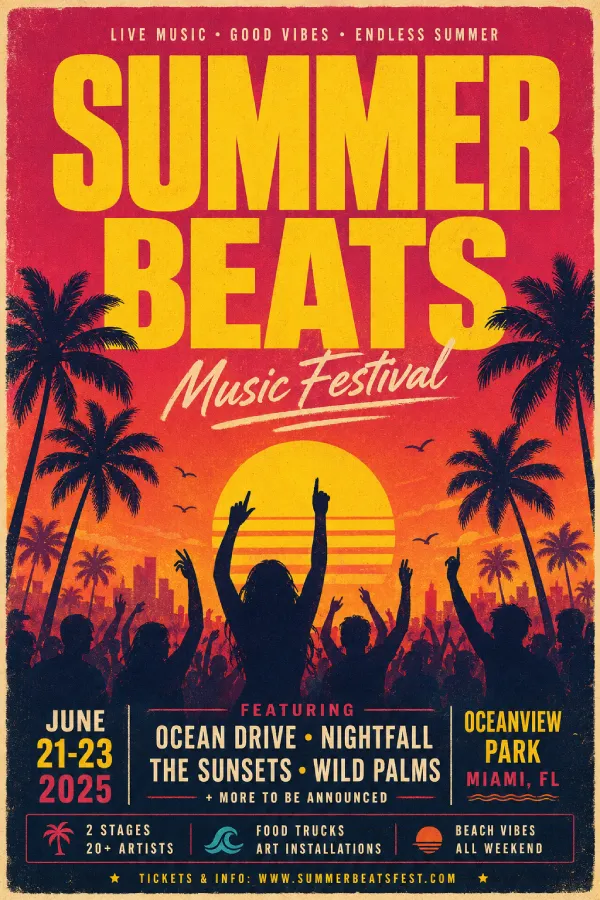
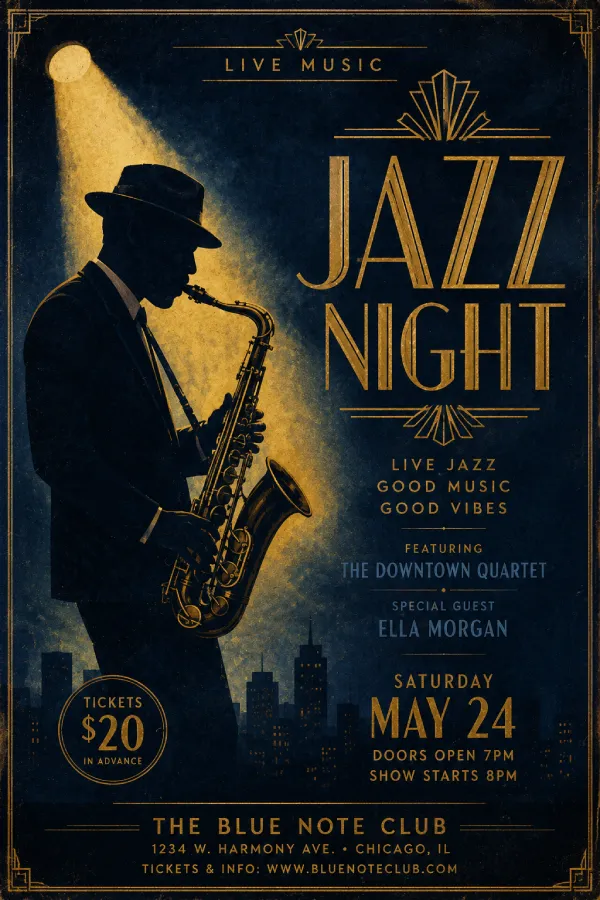
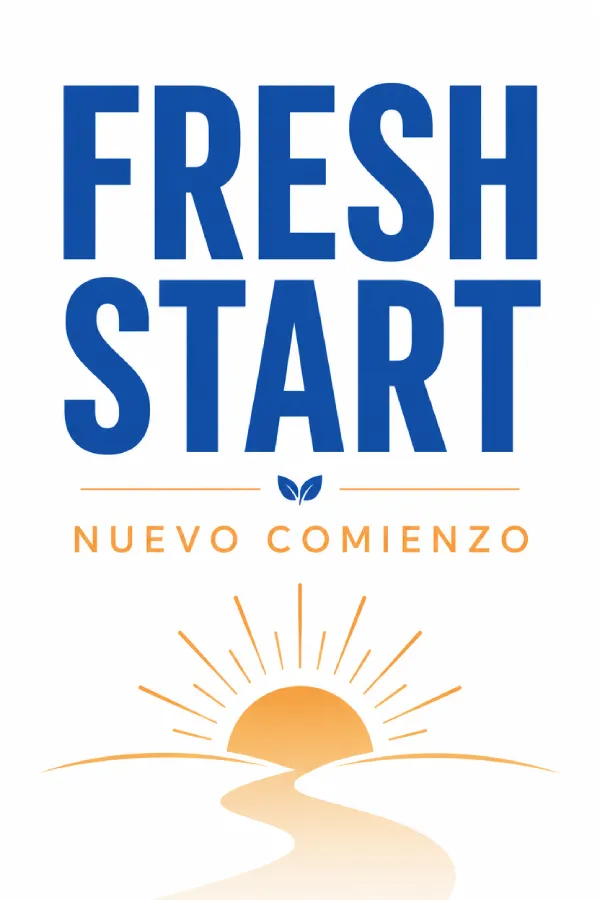
GPT Image 2 Poster & Graphic Design Examples
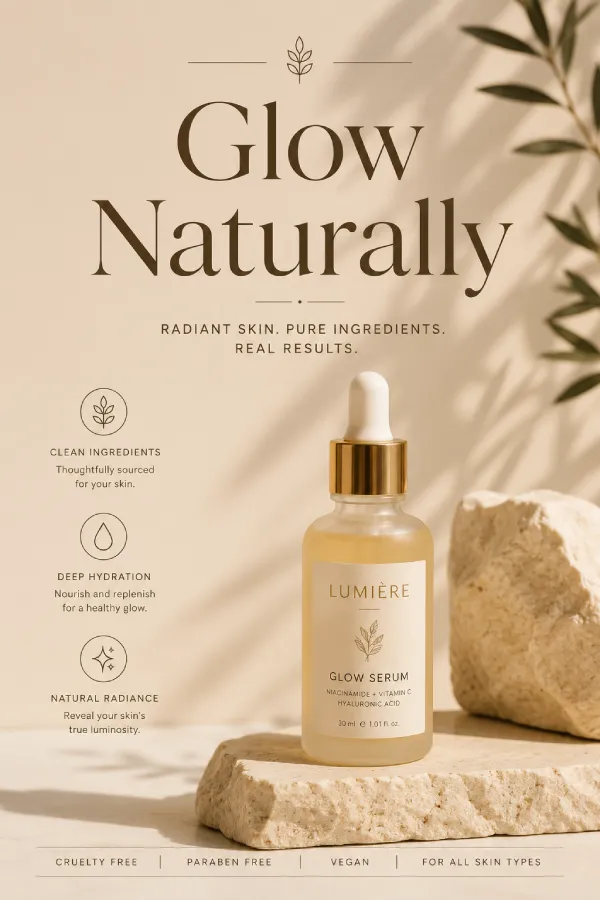
GPT Image 2 is especially useful for poster-style workflows where composition, typography, and visual hierarchy matter. Use these examples to study how prompts can describe headline text, layout structure, color palette, and campaign tone. To improve your own results, follow our detailed <Link href="/prompt-guide" className="text-primary hover:underline font-medium">GPT Image 2 prompt guide</Link>.
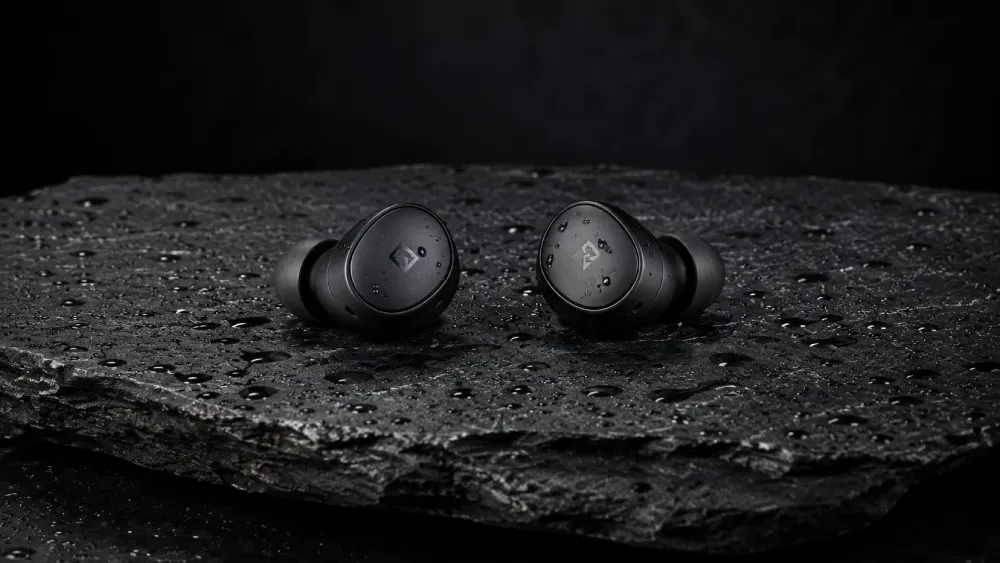
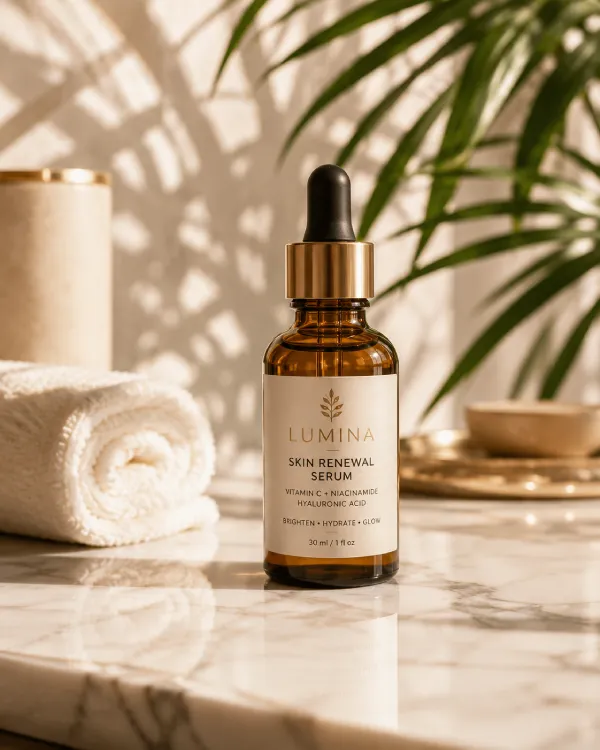
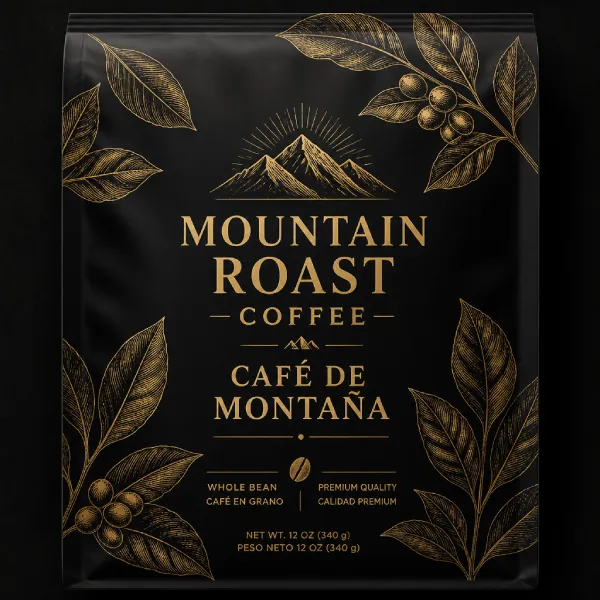
GPT Image 2 Product Photography Examples
GPT Image 2 prompts can describe product angle, surface texture, lighting direction, background style, and brand mood. These examples are useful for e-commerce concepts, landing page visuals, ad mockups, packaging ideas, and product campaign planning.
GPT Image 2 Anime & Illustration Examples
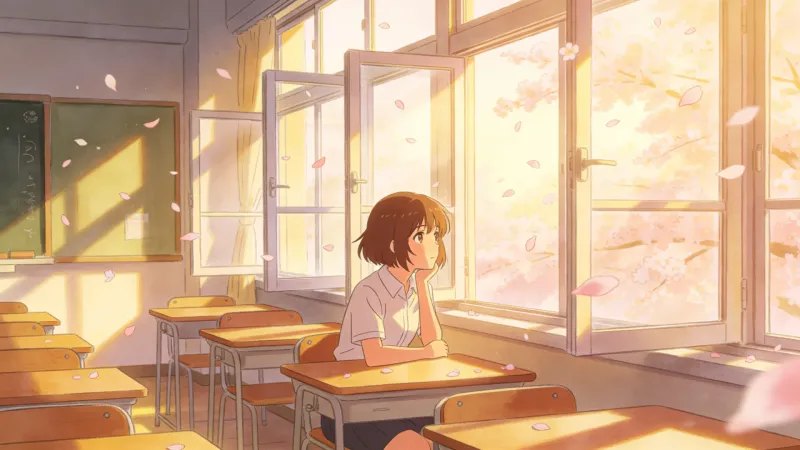
GPT Image 2 can support stylized illustration workflows, from soft anime scenes and character concepts to fantasy references and expressive artwork. Use these examples to learn how style anchors, lighting, pose, and setting shape the final image.
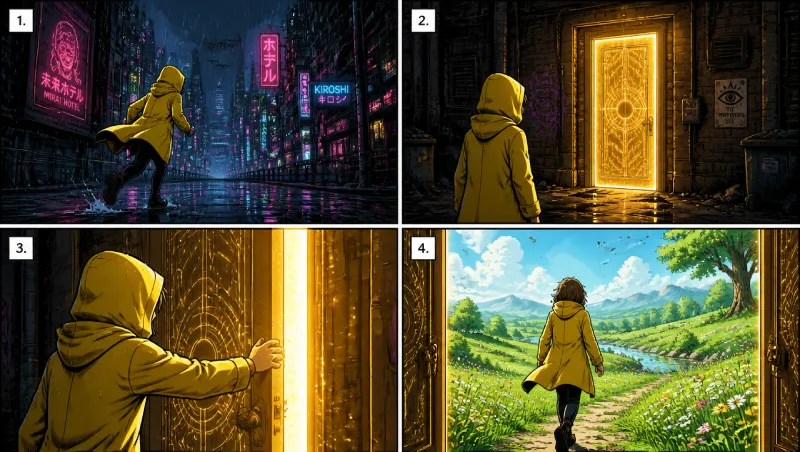
GPT Image 2 Comic & Manga Panel Examples
GPT Image 2 is well suited to comic-style prompts that describe panel structure, scene sequencing, character action, dialogue placement, and visual tone. These examples show how to frame story moments with stronger layout direction.
GPT Image 2 Text-in-Image Examples
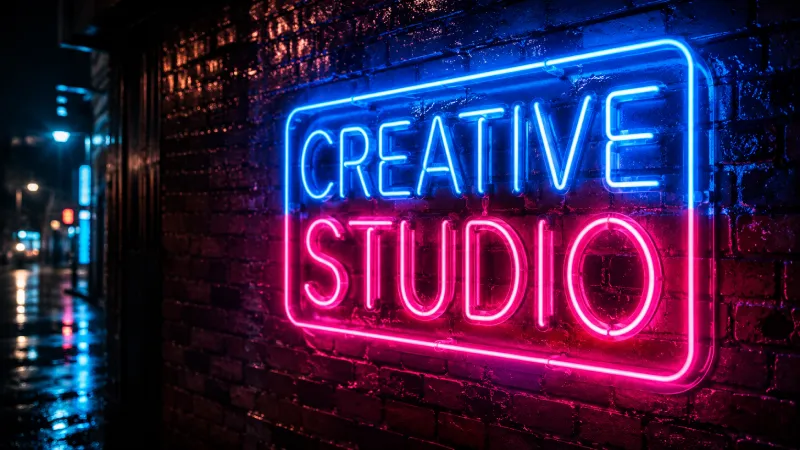
Text rendering is one of the most important reasons creators search for GPT Image 2 examples. Use concise quoted text, clear placement instructions, and specific design context to improve posters, labels, UI mockups, infographics, and marketing graphics.
GPT Image 2 Bilingual Content Examples
GPT Image 2 examples are useful for multilingual campaigns, bilingual signage, international product visuals, and global marketing layouts. When prompting, specify each language clearly, keep text concise, and describe how both scripts should appear in the composition.
GPT Image 2 Photorealistic Portrait Examples
Portrait prompts respond strongly to camera language, lighting direction, lens style, background detail, and emotional tone. These GPT Image 2 examples show how to describe realistic portrait concepts without making the image feel over-polished or generic.
GPT Image 2 Food Photography Examples
Food photography prompts work best when they describe surface texture, plating, steam, lens depth, light temperature, and editorial mood. These GPT Image 2 examples can help with menu visuals, restaurant concepts, recipe posts, and food campaign imagery.
GPT Image 2 Architecture & Interior Examples
Architecture and interior prompts benefit from precise perspective, material, daylight, room function, and camera framing. Use these GPT Image 2 examples for real estate concepts, interior design mood boards, exterior renders, and spatial visualization.
GPT Image 2 Fine Art & Painting Style Examples
Fine-art prompts can reference medium, brush texture, paper surface, historical inspiration, color harmony, and compositional rhythm. These GPT Image 2 examples cover watercolor, oil painting, risograph-style graphics, ukiyo-e inspiration, and other creative directions.
GPT Image 2 Concept Art & Sci-Fi Examples
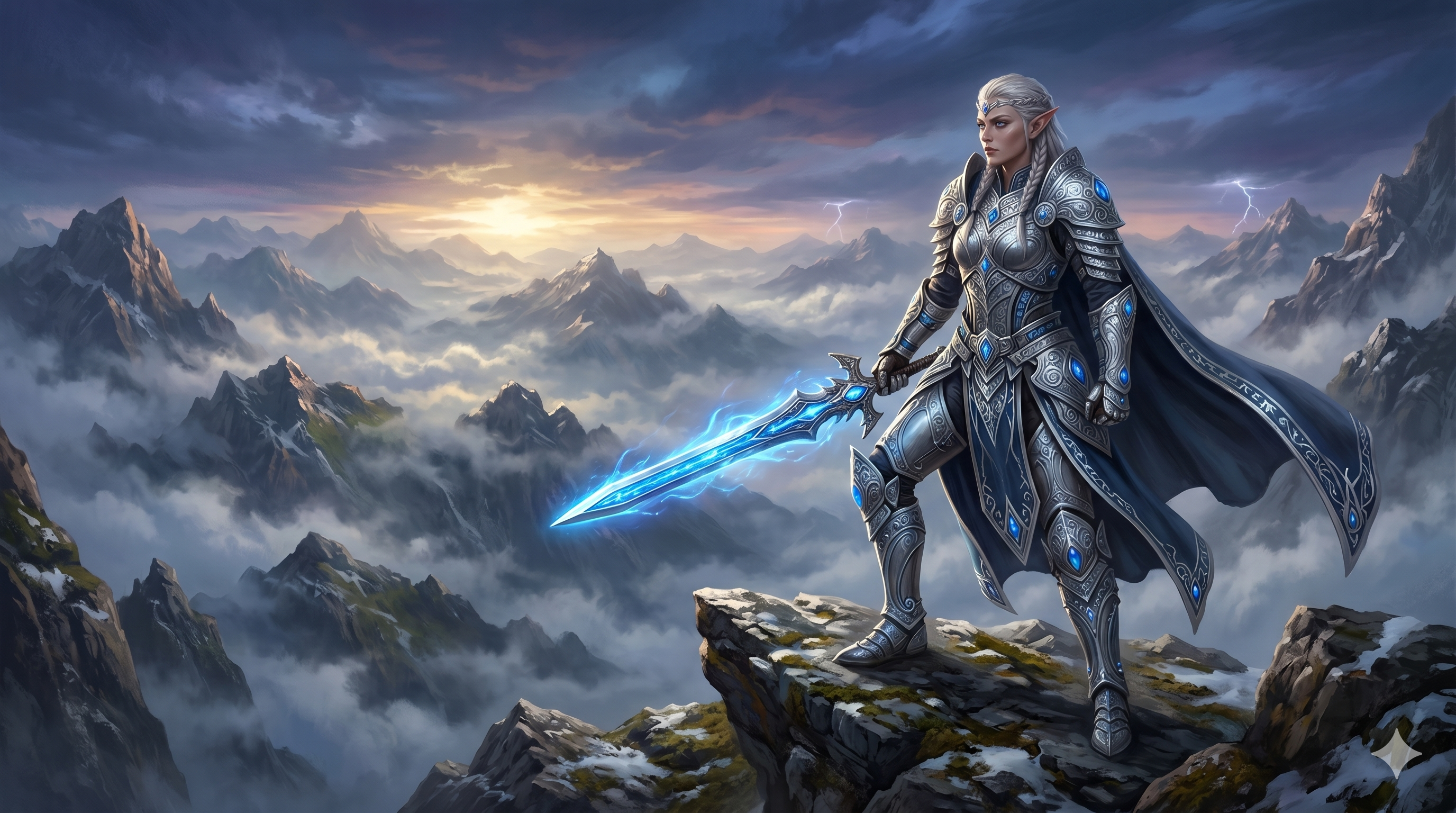
Concept art prompts are strongest when they define scale, atmosphere, worldbuilding details, lighting, and cinematic framing. These GPT Image 2 examples show sci-fi environments, fantasy scenes, editorial split visuals, and high-mood creative concepts.
GPT Image 2 Infographic & Layout Design Examples
GPT Image 2 can be used for infographic-style layouts when the prompt clearly defines hierarchy, sections, labels, icons, and visual explanation goals. These examples are useful for educational graphics, marketing explainers, and presentation-ready layouts.
How to Use These GPT Image 2 Prompts
Most GPT Image 2 prompts in this gallery follow a simple five-part pattern:
[Subject] + [Scene or Context] + [Style Reference] + [Lighting or Mood] + [Quality or Composition]- Quote important text directly:
"SUMMER BEATS 2026". - Name the light source and direction:
soft window light from the left. - Use clear style anchors:
editorial poster design,watercolor anime illustration, orcommercial product photography. - Add layout instructions when text matters:
headline at top, product centered, small tagline below.
Generate Your Own GPT Image 2 Visuals
Use these GPT Image 2 examples as practical starting points for posters, product visuals, anime art, comic panels, portraits, food images, architecture concepts, and infographics. Start with one prompt, change the subject or style, and refine until the image matches your creative brief.
Frequently Asked Questions About GPT Image 2 Examples
Can I use these GPT Image 2 prompts commercially?
Yes. The prompts themselves are reusable starting points. If you generate images for commercial use, review the current platform terms, licensing rules, and any usage requirements before publishing or selling the final output.
Are these real GPT Image 2 examples or cherry-picked marketing images?
They are presented as representative GPT Image 2 style workflows with prompt transparency. The goal is to help you understand how prompts are structured, what details matter, and how to adapt each example for your own use case.
Can I copy these GPT Image 2 prompts and use them?
Yes. You can copy any prompt in this showcase, then adjust the subject, text, style, color palette, camera angle, lighting, or composition to create a new GPT Image 2 result.
How do I get better GPT Image 2 results consistently?
Be specific about the subject, setting, style, lighting, aspect ratio, and final use case. Quote exact text, keep on-image copy concise, and iterate from the first result. For higher-volume generation, review our pricing packages to choose the right credit plan.
Related pages: GPT Image 2 Prompt Guide · GPT Image 2 Review · GPT Image 2 vs Midjourney · GPT Image 2 Generator