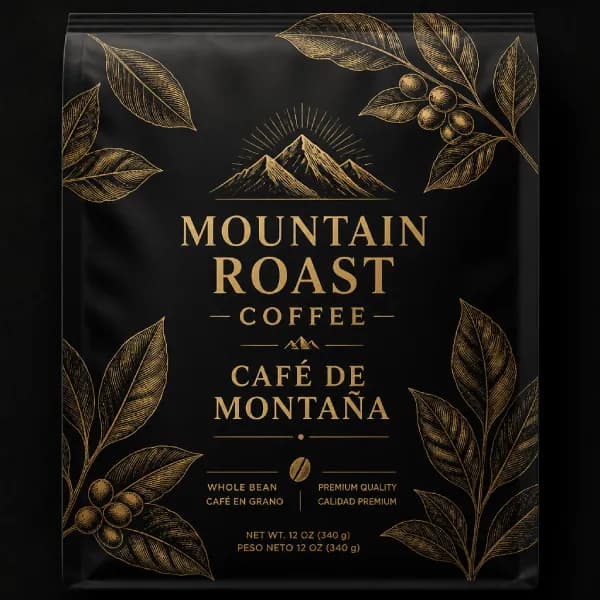
GPT Image 2 is OpenAI’s next-generation AI image model for creating and editing high-quality visuals from natural language prompts. It delivers stronger prompt understanding, improved text rendering, flexible formats, and reliable creative control. Read our comprehensive GPT Image 2 review for an in-depth model evaluation and performance analysis.
GPT Image 2 Use Cases for Every Creative Workflow
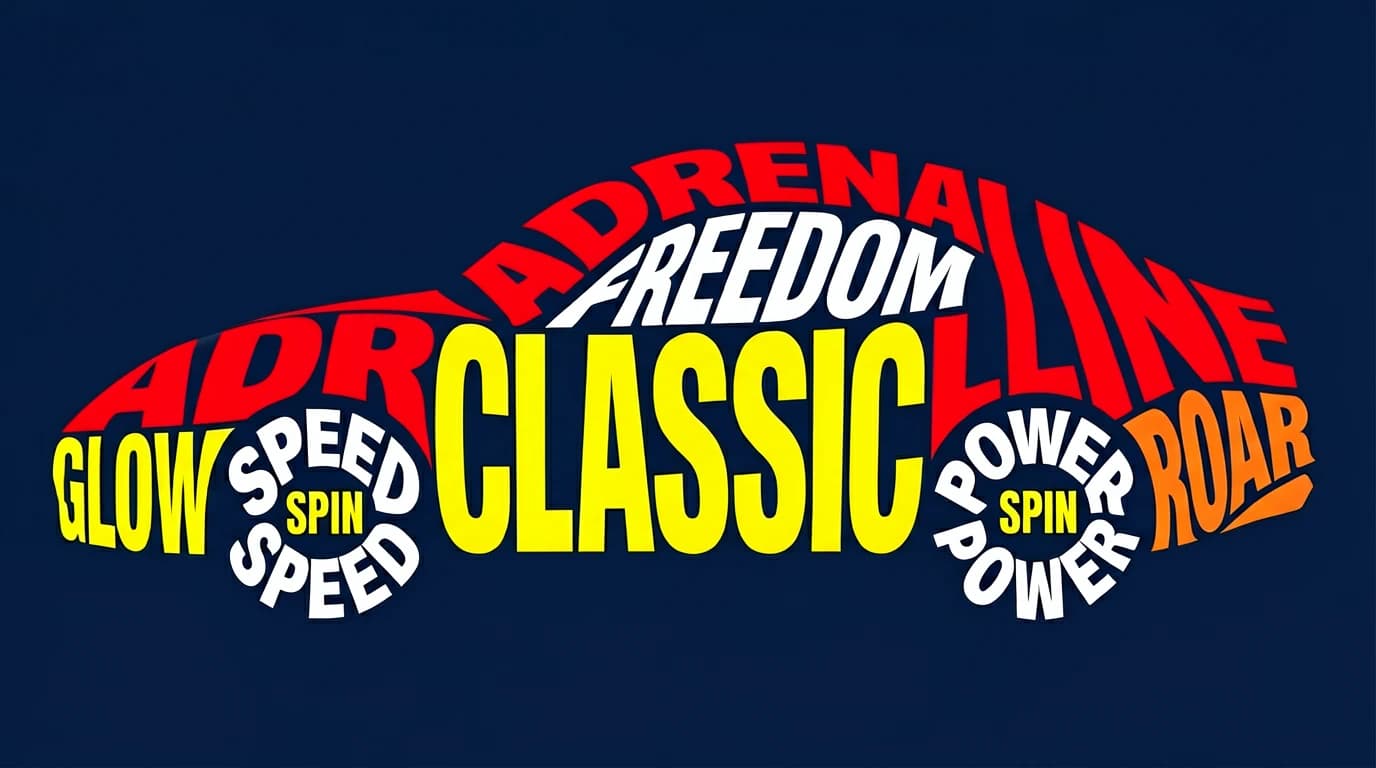
Posters and Campaign Visuals
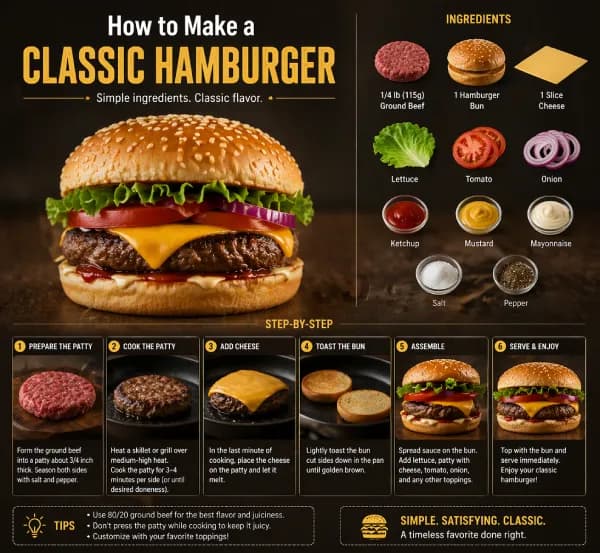
Create event posters, campaign concepts, educational graphics, and social visuals from simple prompts. Describe the headline, style, color palette, and layout direction, then use GPT Image 2 to generate a faster first draft for review and refinement.
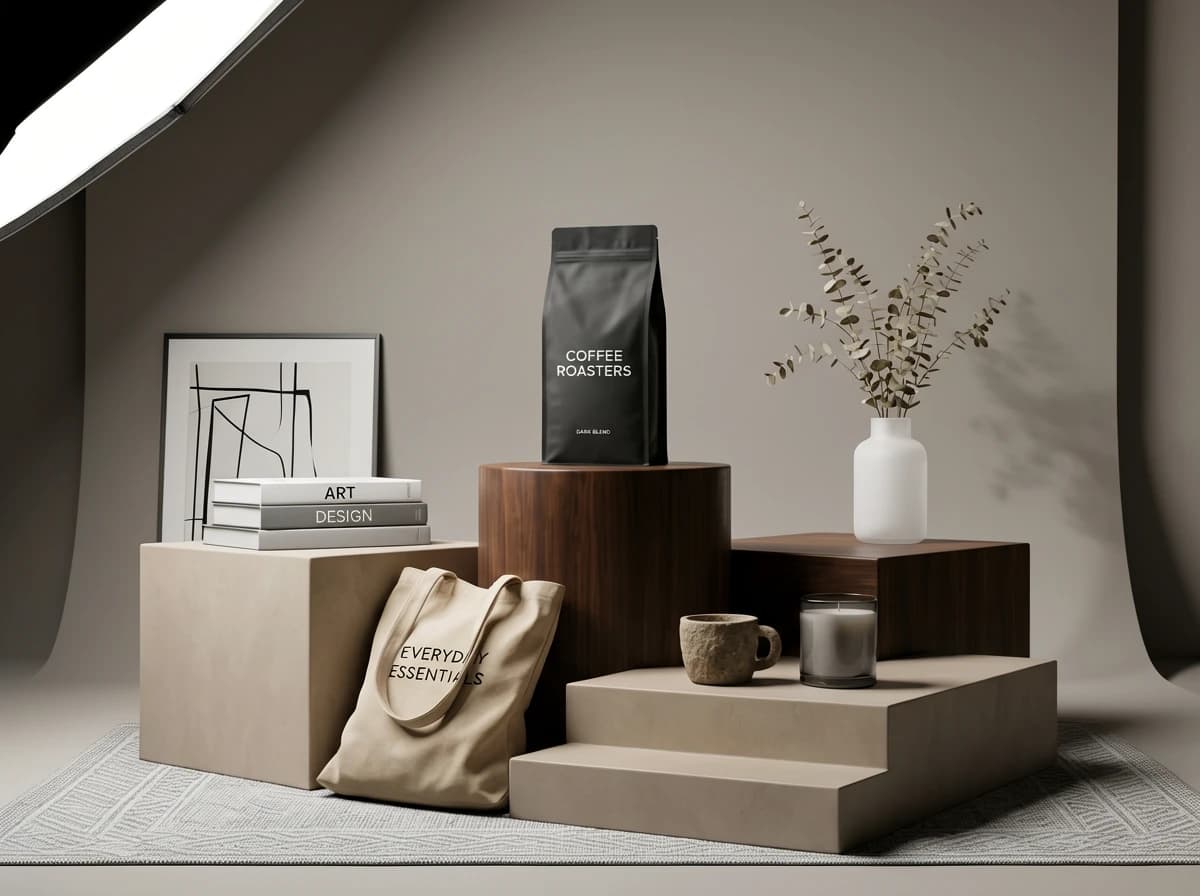
Product Visuals and Mockups
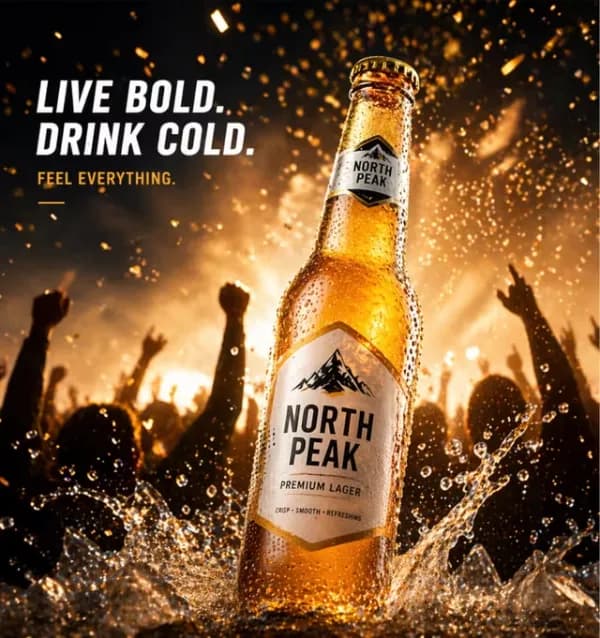
Use GPT Image 2 to explore product concepts, packaging ideas, ad creatives, landing-page hero images, and website graphics before final design. Test lighting, materials, camera angles, and commercial composition without building every concept manually.
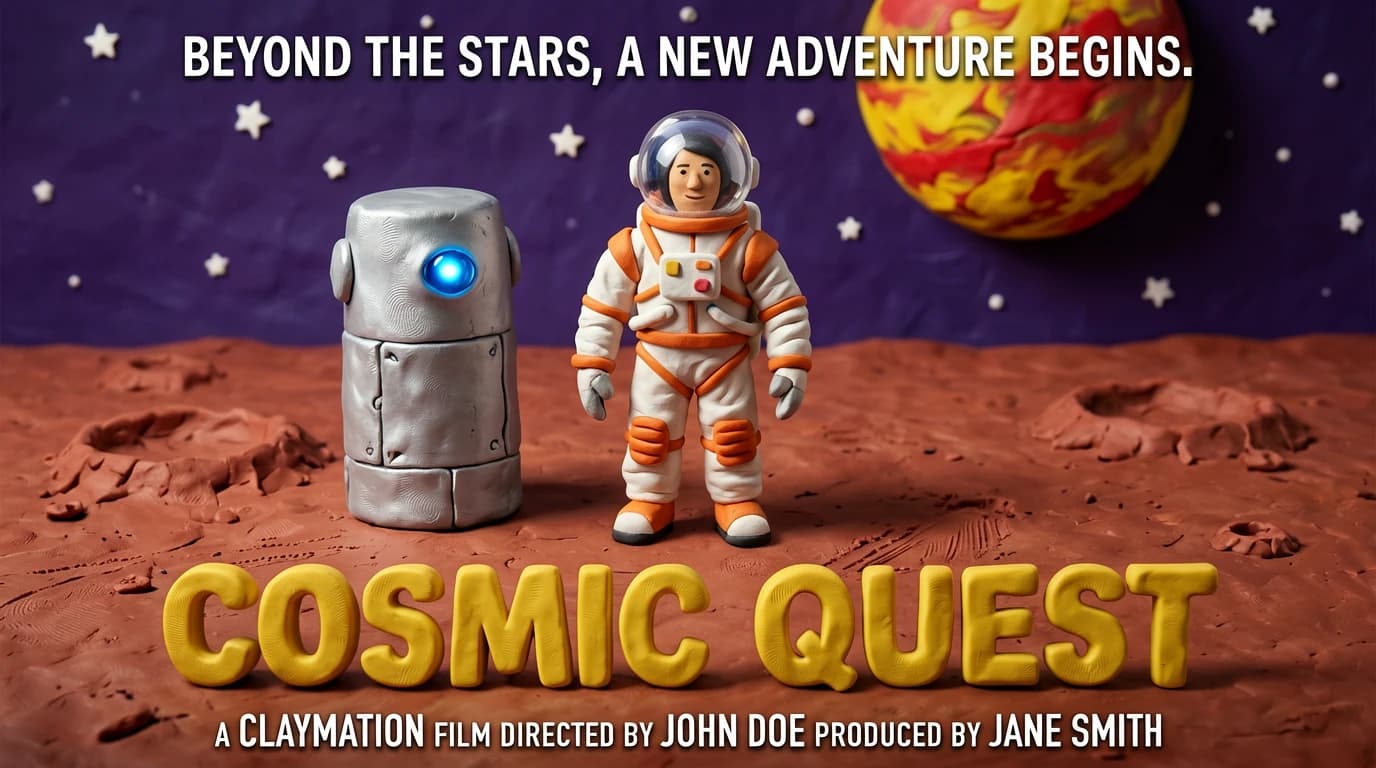
AI Art and Character Concepts
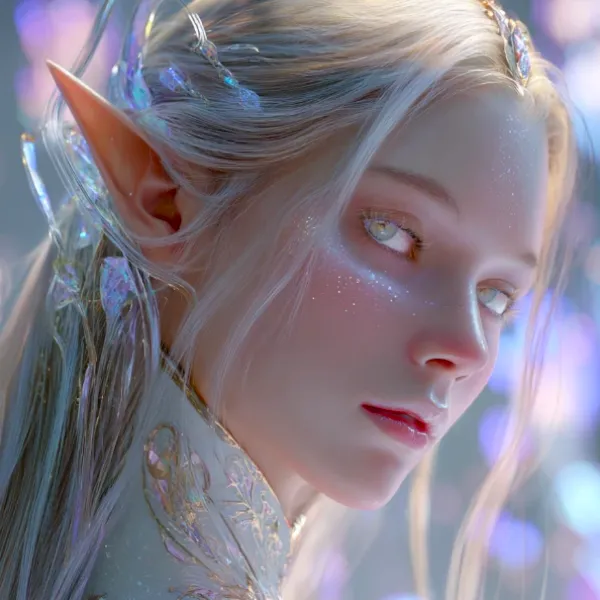
Generate fantasy art, character concepts, stylized portraits, surreal scenes, and original illustration directions. GPT Image 2 helps creators explore poses, costumes, environments, and visual moods with a faster creative loop.
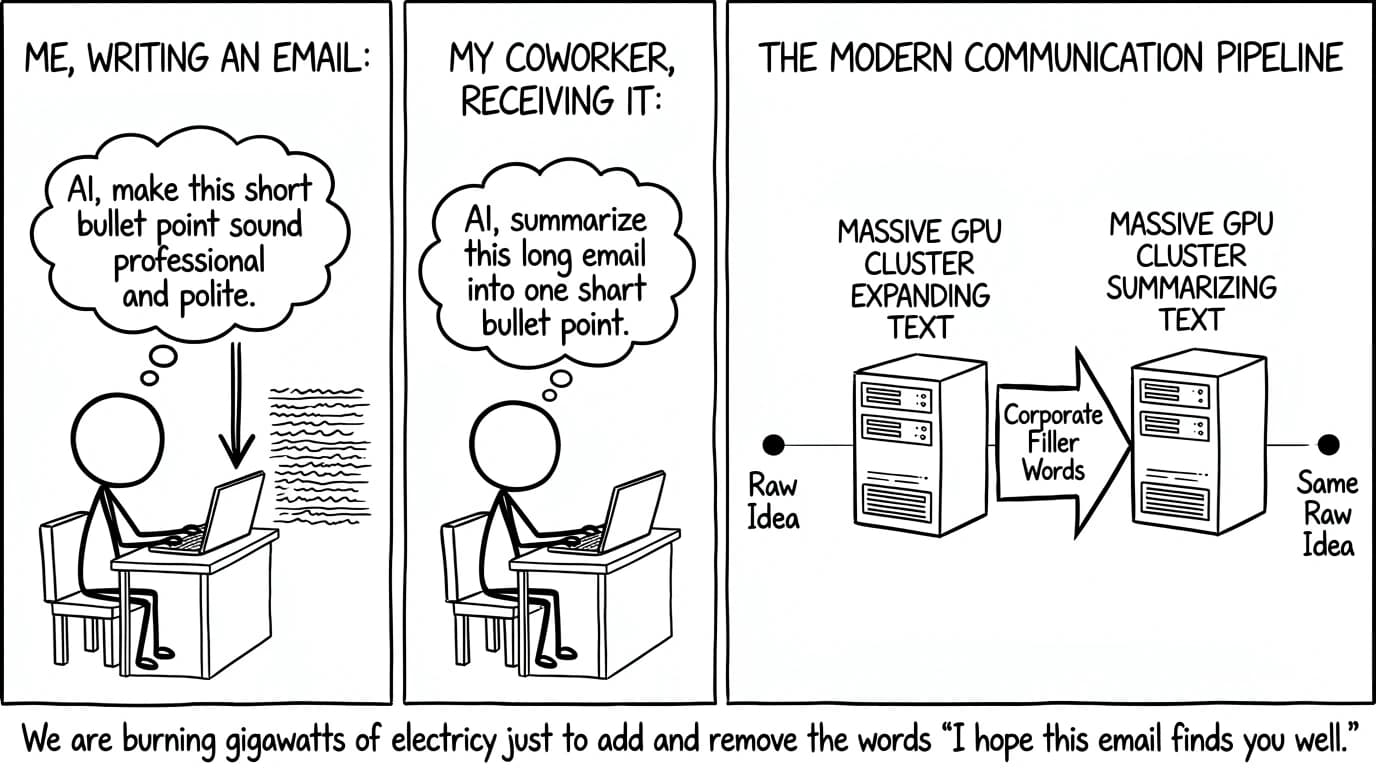
Comic Panels and Story Ideas
Create comic-style scenes, storyboard concepts, playful character moments, and visual sequences for narrative development. For better results, define the panel goal, tone, character action, and visual hierarchy clearly in your prompt.
Bilingual and Global Visuals
Explore bilingual layout ideas for labels, ads, campaign concepts, travel graphics, and global content planning. GPT Image 2 can help teams test English and Chinese headline placement, visual balance, and cross-market creative directions.
How to Use GPT Image 2 in 3 Simple Steps
Learn how to use GPT Image 2 to create or edit AI images online with a simple prompt-based workflow for beginners.
✍️
Step 1: Enter a Prompt or Upload an Image
If you want to create an image from text, enter a clear prompt describing the subject, style, mood, colors, background, and other details. If you want to edit an existing image, upload the image and add a text prompt explaining what you want to change.
Example:
“A modern promotional poster for an AI design workshop, blue and purple gradient, clean SaaS style.”
⚙️
Step 2: Choose Size and Resolution
Pick the image size and resolution that fit your needs. Use square formats for social posts, vertical layouts for mobile content, or wide images for posters, product visuals, and website graphics.
Choose the right format before generating your image.
⚡
Step 3: Generate and Download
Click Generate to create or edit your image with GPT Image 2. Review the result, adjust your prompt if needed, and download the final version when it matches your idea.
Generate, refine, and download your image in one simple workflow.
Create polished AI images from simple prompts with a beginner-friendly workflow, flexible styles, and practical outputs for design, marketing, social media, and creative projects.
Text to Image Made Simple
Turn simple prompts into polished visuals with GPT Image 2. It helps creators, marketers, founders, students, and teams create usable AI image drafts without a complex design workflow.
Prompt-based
Flexible Creative Styles
Use GPT Image 2 to create realistic photos, anime scenes, product mockups, posters, avatars, wallpapers, concept art, and branded graphics with clearer prompt control.
Multi-style
Easy to Try
Start with GPT Image 2 for free, test different prompt ideas, and see whether it fits your creative workflow before using it for larger projects.
Free trial
Beginner-Friendly Workflow
You do not need Photoshop skills, illustration experience, or complex settings. Just describe your idea naturally, generate an image, and improve the result with simple prompt edits.
Beginner-friendly
Built for Prompt Refinement
Adjust lighting, camera angles, subject details, colors, mood, and composition to find the prompt structure that creates the strongest image for your goal.
Iterative workflow
Useful for Real Projects
Create social graphics, blog images, hero banners, thumbnails, marketing visuals, mood boards, product concepts, and campaign references faster with GPT Image 2.
Practical output
How GPT Image 2 Fits Different Creative Needs
Everyday Creation Workflow
Works well for users who want fast prompt-to-image results
Useful for AI art, social posts, wallpapers, and visual drafts
Keeps the workflow beginner friendly with natural-language prompts
Good fit for people who do not want complex design software
Best for casual creators, students, marketers, and early-stage visual brainstorming with GPT Image 2.
GPT Image 2 Prompt Workflow
Focused on prompt-based image creation and refinement
Useful for posters, product visuals, characters, and concept art
Encourages iteration through clearer subject, style, and mood details
Best when you want the model to refine an idea step by step instead of forcing many technical controls.
Content Production Workflow
Create thumbnails, blog visuals, banners, and social media graphics
Explore campaign ideas before final production
Turn rough directions into shareable visual drafts
Best for creators and teams that need many visual directions quickly from one prompt workflow.
Compared with Other Tools
Simpler than traditional design software for first drafts
More flexible than static templates or stock image searches
Better for prompt learning and rapid creative exploration
Other tools may still be better for advanced manual editing or highly specialized production workflows.
What Users Say About GPT Image 2
Real-feeling feedback from common creative workflows
★★★★★
"I use GPT Image 2 when I need quick visual directions for branded content. It helps me move from a rough idea to something I can show the team."
Marcus T., Creative Director · Marketing Content
★★★★★
"The GPT Image 2 prompt workflow feels simple. I can test character ideas, art styles, and mood references without spending hours setting up a design file."
Yuki N., Illustrator · Anime & Character Concepts
★★★★☆
"GPT Image 2 is helpful for educational visuals and diagrams. I still review every output carefully, but it gives me a much faster starting point."
Dr. Priya S., Science Communicator · Educational Content
★★★★★
"GPT Image 2 is great for product concepts and ad creative drafts. It helps us test visual angles before committing to final design production."
Daniel R., E-commerce Manager · Retail & DTC
★★★★★
"I like using GPT Image 2 for bilingual campaign ideas and international content planning. It is useful for exploring layouts before polish."
Lin W., Growth Marketer · International Marketing
★★★★☆
"Even simple GPT Image 2 prompts can become useful drafts. I usually refine the wording once or twice, and the result gets much closer to the idea."
Alex K., Product Designer · SaaS & UX
Frequently Asked Questions About GPT Image 2
What is GPT Image 2?
GPT Image 2 is a prompt-based AI image generator that helps users create images from natural language prompts. You can use it for posters, product visuals, social graphics, anime-style art, concept images, thumbnails, wallpapers, and branded creative drafts.
Is GPT Image 2 free to try?
Yes. GPT Image 2 is free to try on chatgptimage.co, so you can test prompts, styles, and image ideas before using it for larger creative projects. Usage limits, export options, and advanced features may vary based on the current product experience.
Do I need design skills to use it?
No. GPT Image 2 is beginner-friendly. You do not need Photoshop, illustration, or professional design experience. Just describe what you want to create, then refine the prompt by adding details such as style, lighting, layout, colors, and mood.
What can I create with GPT Image 2?
You can create AI art, portraits, characters, product mockups, social media posts, posters, wallpapers, concept art, thumbnails, blog images, bilingual visuals, and creative mood boards for personal projects, content planning, and early-stage marketing concepts.
How do I write a good GPT Image 2 prompt?
Start with the main subject, then add the style, background, lighting, color palette, composition, mood, and any text you want in the image. Clear and specific prompts usually produce better results than vague or overloaded instructions.
Can I use GPT Image 2 images commercially?
Commercial use depends on the platform terms, the content you generate, and the rules that apply to your project. Avoid using copyrighted characters, protected trademarks, public figures, or recognizable branded assets without permission. Always review the applicable usage terms before using images in paid work.
What makes GPT Image 2 different from other AI image generators?
GPT Image 2 focuses on a simple prompt-first workflow. Instead of starting with complex design tools or technical settings, you describe the image in plain language, generate a result, and refine your idea step by step.
Can GPT Image 2 create both new images and edits?
Yes. GPT Image 2 supports both text-to-image creation and image editing workflows. You can enter a prompt to create a new image, or upload an existing image and describe the changes you want to make.
What image styles can GPT Image 2 create?
GPT Image 2 can help create many visual styles, including realistic photography, digital painting, anime-inspired art, 3D illustration, cinematic concept art, product photography, editorial posters, fantasy scenes, icons, and social media graphics.
How can I improve or refine my results?
Use specific, visual prompts and refine one detail at a time. Adjust the subject, style, lighting, colors, camera angle, composition, or text placement, then generate again until the image better matches your idea.
Try GPT Image 2 for Free
Prompt-based·No design skills needed
Create AI images from simple prompts for posters, social posts, product visuals, characters, concept art, and creative projects.