gpt-image-2 vs gpt-image-1: What Changed in OpenAI Image Generation?
Updated: April 2026 | Reading time: 12 min | Comparison: GPT Image models
The short version: gpt-image-2 is OpenAI's newer, state-of-the-art image generation model for fast, high-quality generation and editing. gpt-image-1 is the previous image generation model and remains useful mainly for existing workflows, compatibility checks, and legacy integrations.
ChatGPT Image is a third-party creative tool and is not affiliated with OpenAI. Model availability, pricing, and API behavior should always be verified against official OpenAI documentation before production use.
gpt-image-2 vs gpt-image-1 — Quick Verdict
Choose gpt-image-2 if you:
- Are starting a new image generation or image editing workflow.
- Want OpenAI's latest image generation model.
- Need faster, higher-quality generation and editing.
- Need flexible image sizes and high-fidelity image inputs.
- Want the most future-facing option in OpenAI's GPT Image model family.
Choose gpt-image-1 if you:
- Already have an older integration built around gpt-image-1.
- Need compatibility testing against the previous model.
- Want to compare output differences for regression testing.
- Do not need the latest image generation quality or editing behavior.
What Is gpt-image-2?
gpt-image-2 is OpenAI's latest GPT Image model for image generation and editing. OpenAI describes it as a state-of-the-art image generation model for fast, high-quality image generation and editing, with support for flexible image sizes and high-fidelity image inputs.
- Model ID:
gpt-image-2 - Input: text and image, depending on endpoint and workflow
- Output: image
- Best for: new image generation and editing workflows
- Positioning: latest, higher-quality GPT Image model
What Is gpt-image-1?
gpt-image-1 is OpenAI's previous image generation model. OpenAI describes it as a natively multimodal language model that accepts both text and image inputs and produces image outputs.
- Model ID:
gpt-image-1 - Input: text and image
- Output: image
- Best for: existing integrations and previous-model compatibility
- Positioning: previous generation model
Full Feature Comparison Table
| Feature | gpt-image-2 | gpt-image-1 |
|---|---|---|
| Model generation | Latest GPT Image model | Previous image generation model |
| Primary use | Fast, high-quality image generation and editing | Text/image-to-image generation workflows |
| Inputs | Text and high-fidelity image inputs | Text and image inputs |
| Output | Image | Image |
| Image editing | Better fit for current editing workflows | Supported, but previous-generation behavior |
| Speed | Designed for fast generation | Slower previous model |
| Quality | Higher-quality current model | Previous-generation quality |
| Best for new projects | Yes | Usually no, unless compatibility is required |
Image Quality Comparison
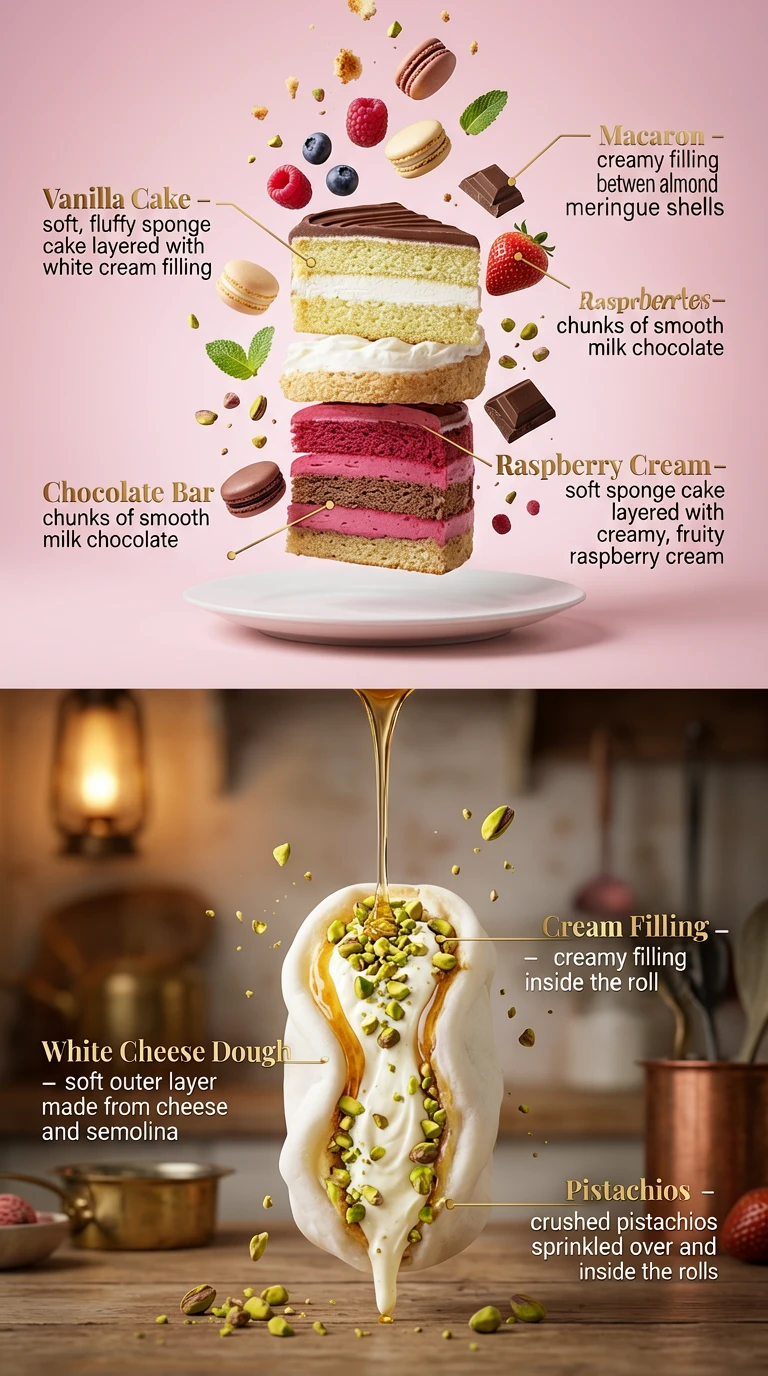
gpt-image-2 should be treated as the better default for image quality because it is OpenAI's latest state-of-the-art image generation model. It is designed for high-quality image generation and editing, while gpt-image-1 is explicitly positioned as the previous image generation model.
In practical terms, use gpt-image-2 when you care about polished outputs, better prompt following, better editing behavior, and future model support. Use gpt-image-1 mainly when you are comparing against older outputs or maintaining an existing integration.
Image Editing Comparison
Both gpt-image-2 and gpt-image-1 belong to OpenAI's GPT Image model family and support image-related workflows. The key difference is that gpt-image-2 is the current model and is a better fit for modern image generation and editing.
If your product depends on image editing, style refinement, or image-to-image workflows, gpt-image-2 is the safer default for new development. gpt-image-1 is still useful as a compatibility reference if your older prompts, stored outputs, or user expectations were built around it.
Text Rendering Comparison
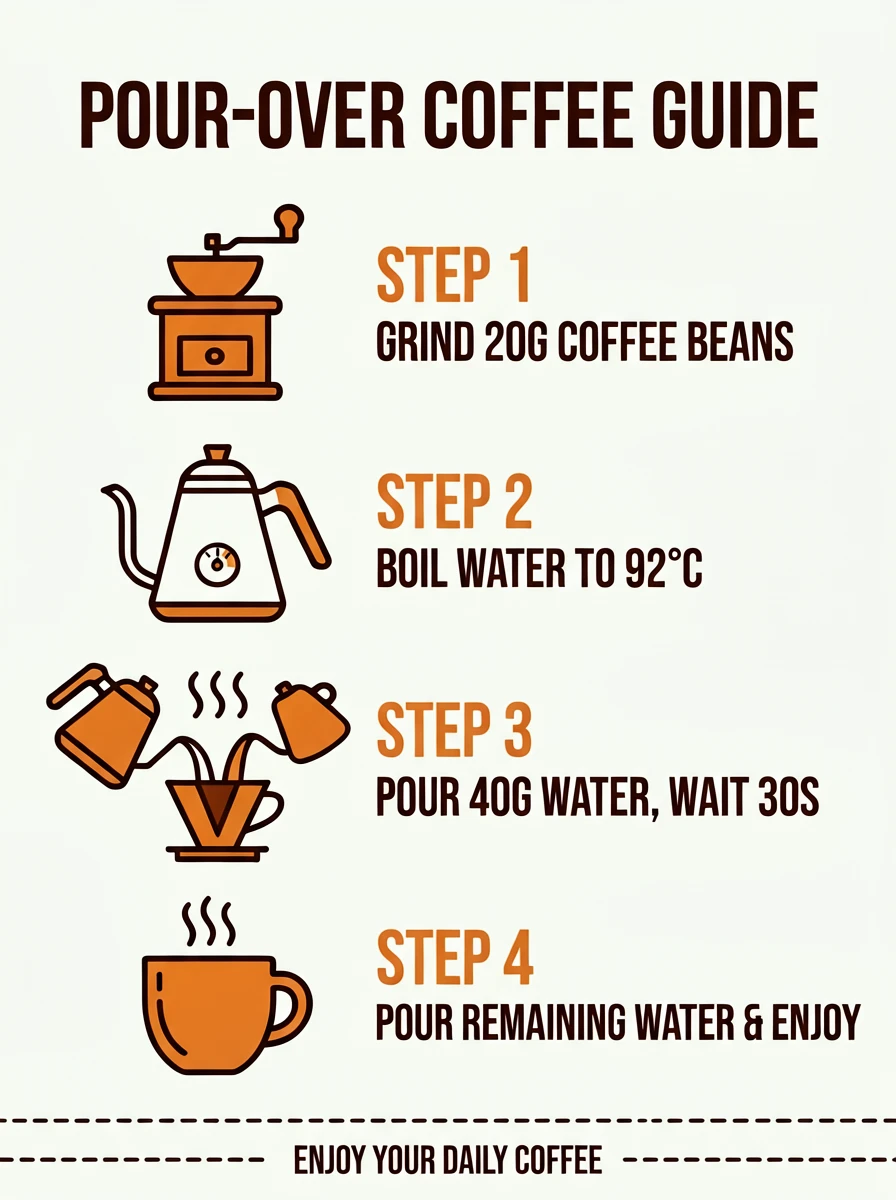
Text rendering is one of the most important reasons to compare gpt-image-2 vs gpt-image-1. For posters, product labels, UI mockups, comic panels, and infographic-style visuals, small improvements in spelling, layout, and typography can make a major difference.
For new text-in-image workflows, start with gpt-image-2. If your application was tuned around gpt-image-1 prompt patterns, run side-by-side tests before switching fully so you can update prompts, layout instructions, and quality checks.
Speed and Latency: gpt-image-2 vs gpt-image-1
OpenAI positions gpt-image-2 for fast, high-quality generation. gpt-image-1 is the previous model and is listed as slower in the model documentation. For production products where users expect quick iteration, speed alone is a strong reason to prefer gpt-image-2.
That said, latency depends on prompt complexity, image inputs, output size, endpoint, traffic, and application architecture. Teams should benchmark both models with their own prompts rather than relying only on generic claims.
Pricing and Cost Comparison
Pricing should be checked directly in OpenAI's current API pricing pages before production decisions. The important strategic difference is not only the listed model price, but also the cost of failed generations, retries, prompt iteration, editing passes, and quality control.
If gpt-image-2 produces better first-pass results for your workflow, it may reduce the total cost per usable image even if a single generation is not always cheaper. If you maintain older gpt-image-1 workflows, compare the total cost of migration against the expected quality and speed improvements.
For most new projects, evaluate cost per accepted final image, not just cost per API call.
API Integration for Developers
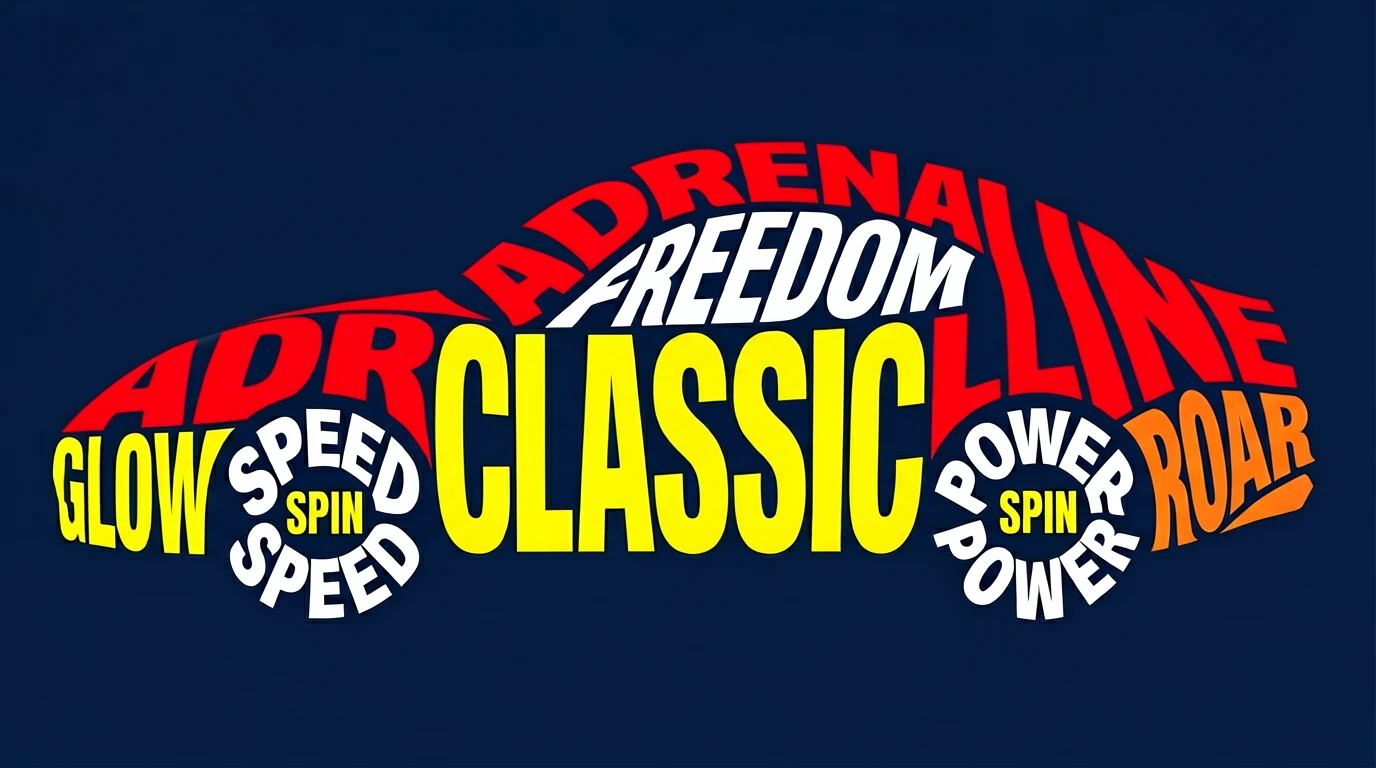
Developers starting from scratch should normally use gpt-image-2 because it is the newer model and the recommended direction for current GPT Image workflows. It is also listed in OpenAI's image generation documentation alongside other supported image models.
Developers with existing gpt-image-1 implementations should run a migration test before switching. Compare prompt compatibility, image sizes, style consistency, editing behavior, moderation behavior, latency, and user acceptance.
Best Use Cases by Model
| Use Case | Better Choice | Why |
|---|---|---|
| New AI image generator product | gpt-image-2 | Latest model with better current-generation quality |
| Image editing workflow | gpt-image-2 | Better fit for high-quality generation and editing |
| Legacy app already using gpt-image-1 | Test both | Migration may require prompt and UI adjustments |
| Regression testing | gpt-image-1 + gpt-image-2 | Compare old and new outputs before switching |
| Text-heavy creative assets | gpt-image-2 | New model is the safer starting point for quality-sensitive outputs |
Should You Migrate from gpt-image-1 to gpt-image-2?
You should strongly consider migrating if:
- You are building a new product or feature.
- Your users care about higher-quality outputs.
- Your workflow includes image editing or prompt refinement.
- You want to align with OpenAI's current image generation direction.
You may want to delay migration if:
- Your current gpt-image-1 outputs are already approved by customers.
- You have prompt templates that depend on gpt-image-1 behavior.
- You need to preserve visual consistency across an existing asset library.
- You have not yet tested pricing, latency, and output differences.
Best practice: run gpt-image-2 and gpt-image-1 side by side on your top 20–50 real prompts before switching production traffic.
Limitations to Consider
- Model behavior can change as OpenAI updates documentation, endpoints, or availability.
- Prompt templates from gpt-image-1 may not transfer perfectly to gpt-image-2.
- Image outputs should still be reviewed for brand fit, legal risk, text accuracy, and user safety.
- Cost comparison should be based on accepted final outputs, not raw generation count alone.
- Applications with strict visual consistency should run migration tests before replacing gpt-image-1.
FAQ
Is gpt-image-2 the same as ChatGPT Images 2.0?
gpt-image-2 is the API model name used in OpenAI documentation. ChatGPT Images 2.0 is a product-facing name often used to describe the newer ChatGPT image experience.
Is gpt-image-1 still useful?
Yes, mainly for older integrations, regression testing, and compatibility workflows. For new development, gpt-image-2 is usually the better starting point.
Can I self-host gpt-image-2 or gpt-image-1?
No. These are OpenAI API models, not open-source model weights. Use official OpenAI services and API terms for access.
Which model should I use for a new product?
Use gpt-image-2 unless you have a specific compatibility reason to use gpt-image-1. It is the newer model and better aligned with current OpenAI image generation workflows.
This comparison is written for practical product and SEO use. Verify model availability, endpoint support, and pricing in the official OpenAI documentation before making production decisions.
Next Steps
gpt-image-2 is the better default for new image generation workflows; gpt-image-1 is mainly useful for legacy compatibility.
Start Generating with GPT Image 2 →